2. Open the app and go to the “WRITE” tab
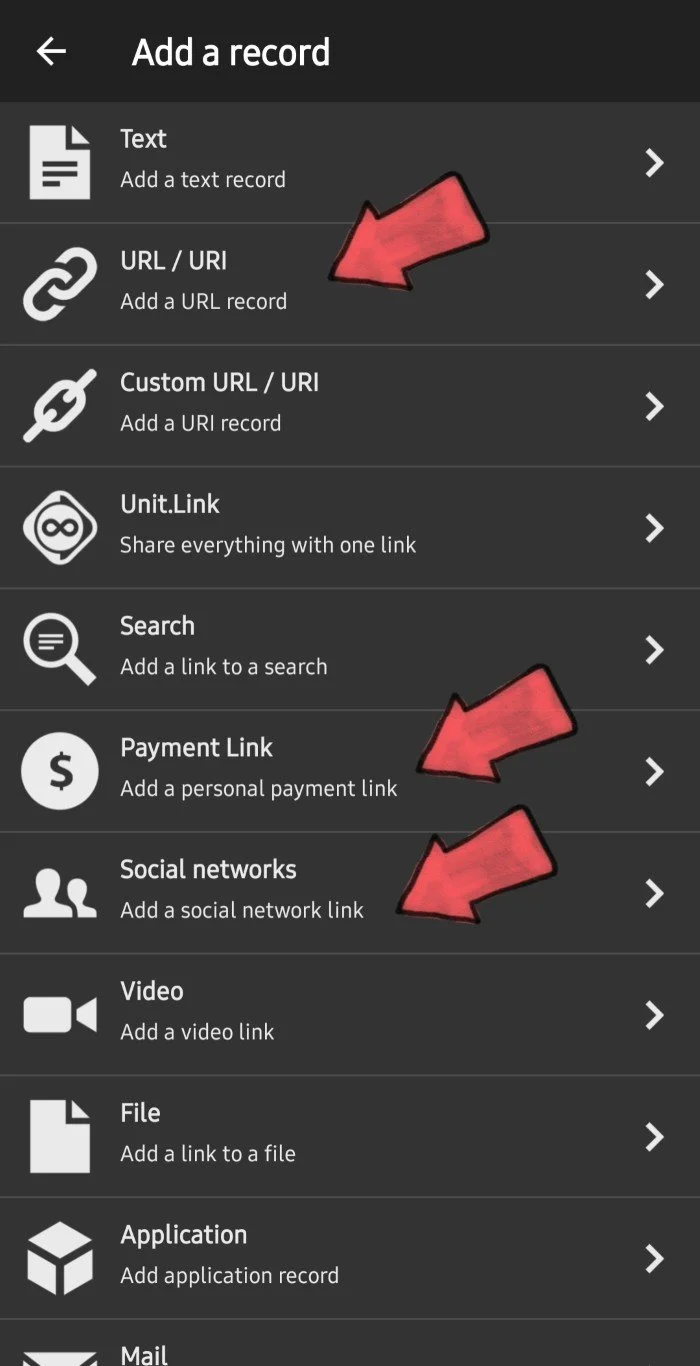
Select “ (+) Add a record “
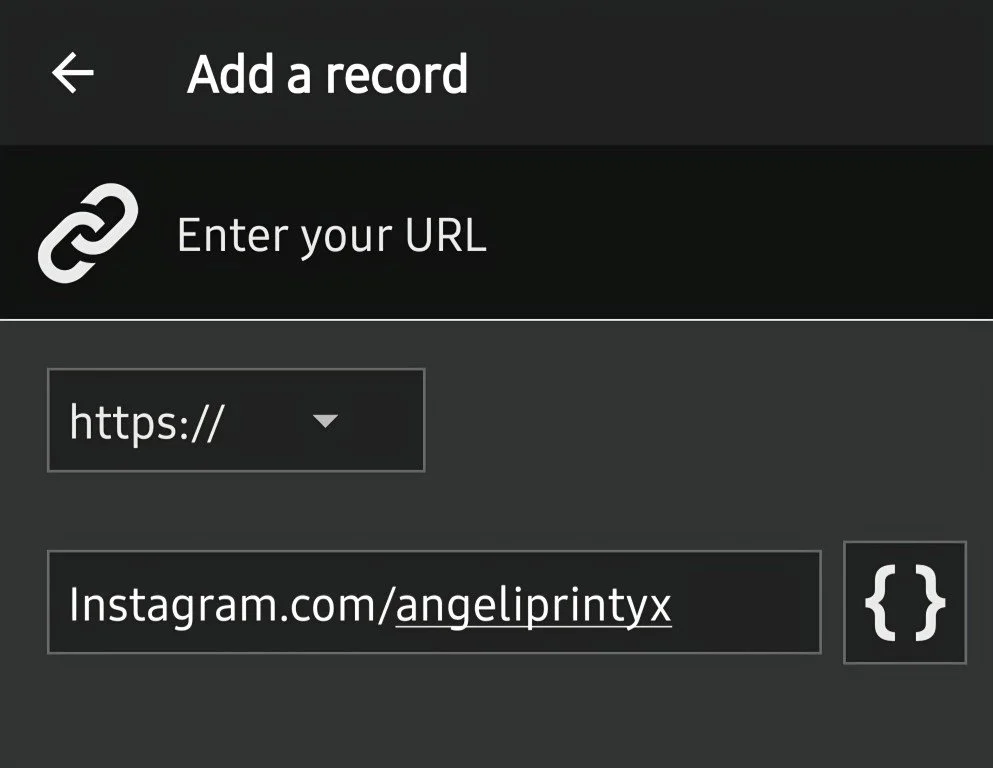
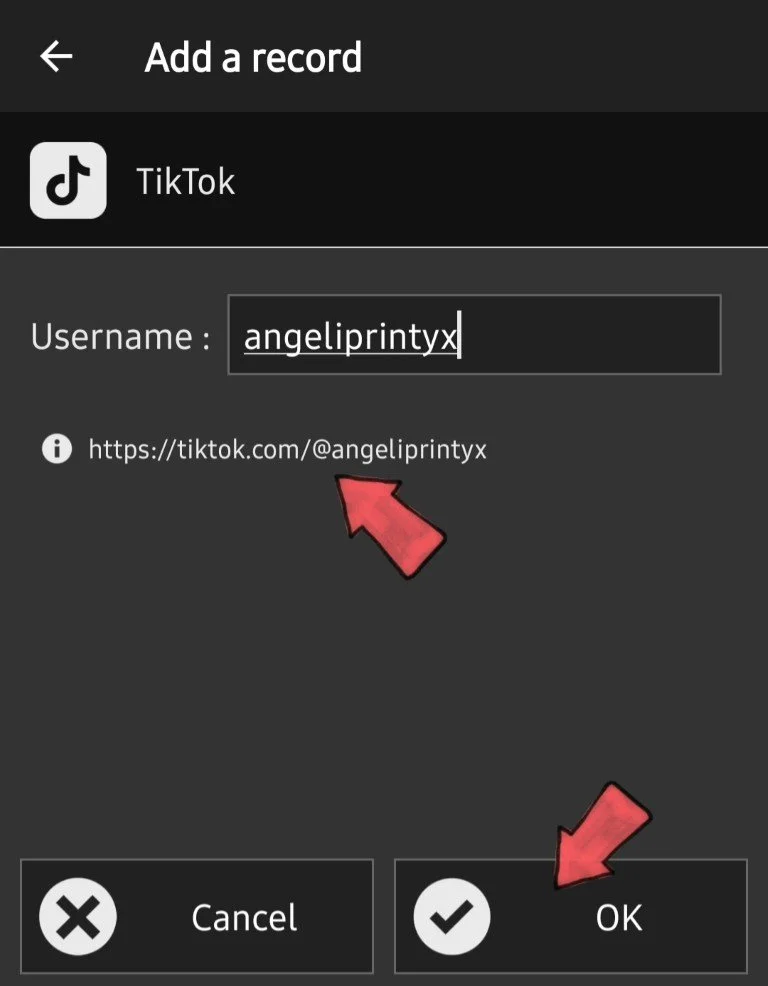
Choose the best option for your tag - the URL is the most universal one. The “Social” and “Payment Link” options do the same thing, they just format the links for you
3. After you fill the form out with the URL or handle, click “OK”
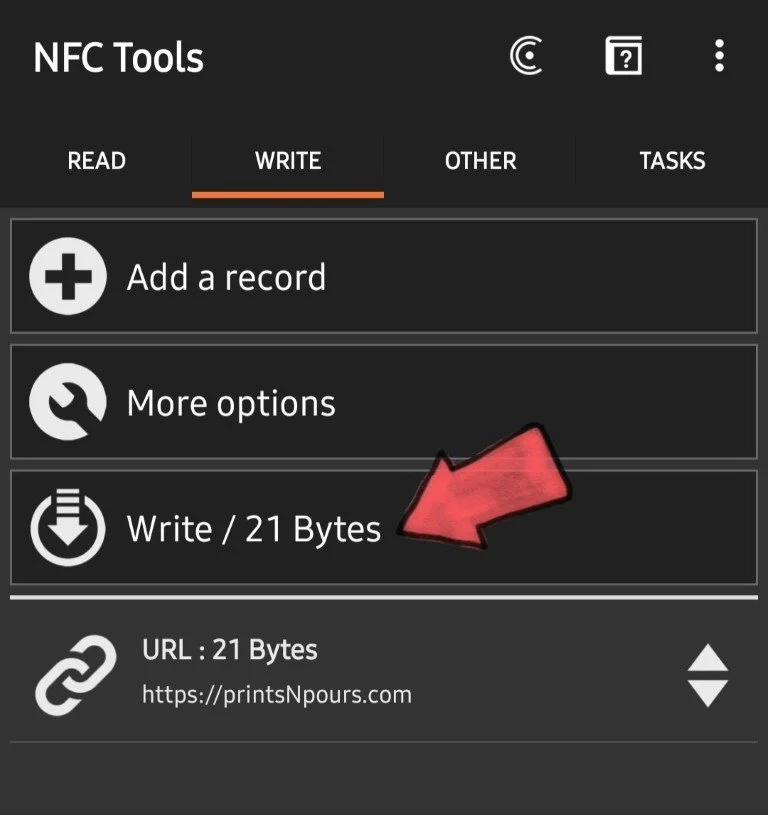
4. On the next screen, click “WRITE”
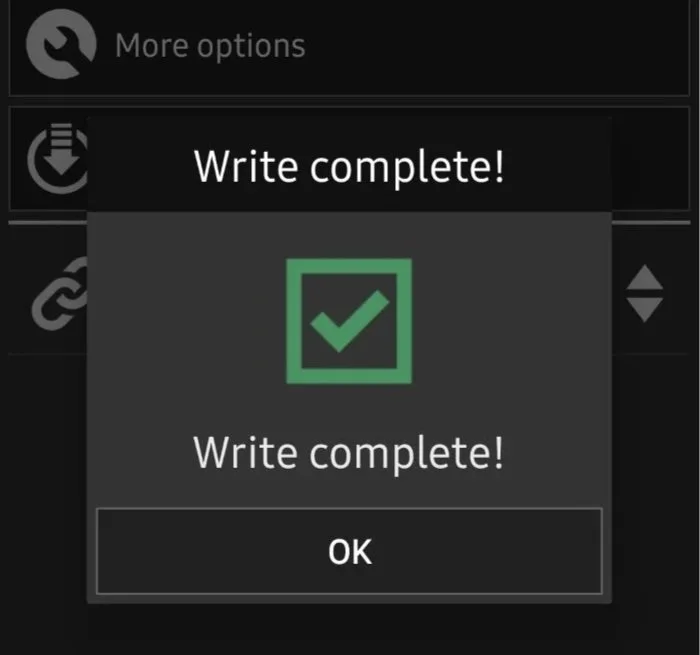
It will prompt you to approach the NFC tag - hold the NFC Tapper to the back of your phone until you get a confirmation.
If it errors out, just try again and hold the Tapper steady
Feel free to look through the other NFC Tools App features like locking the tag, using it for smart device controls and automation, etc.